Start here · 4:28
Meet Zilbee Hub
A narrated tour: one place instead of a dozen systems, a working day from the first email to the last report, and each company on its own private server.
Then watch one feature at a time: 24 short videos below ↓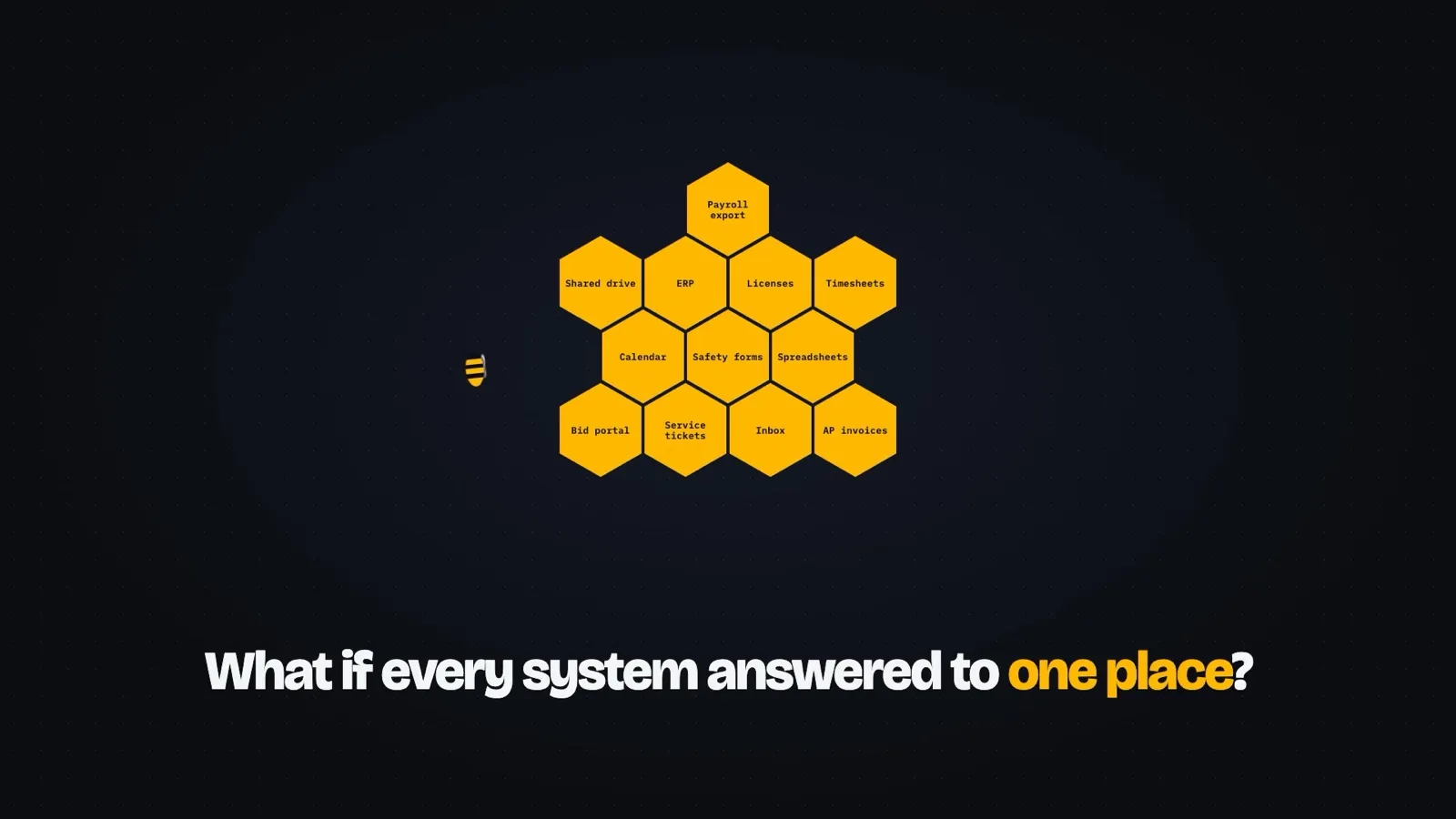
24 feature videos · about two minutes each
One feature at a time
Each one follows a person through a single part of the hub, with on-screen captions, so they work with the sound off.
012:00
Your day, on one page
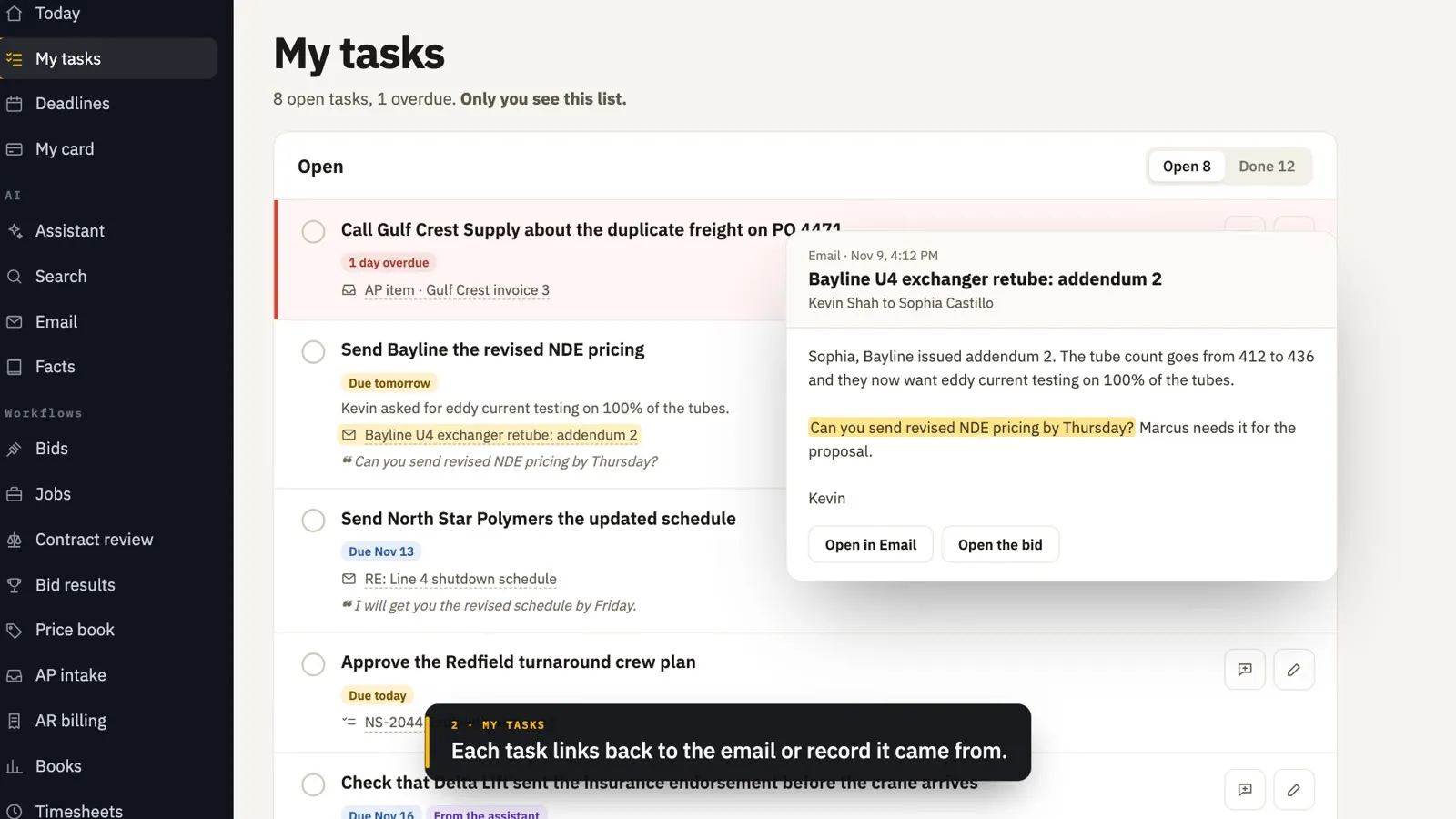
Today, tasks suggested from email, deadlines, notifications and training sessions, all on one page.
022:21
Every email, researched
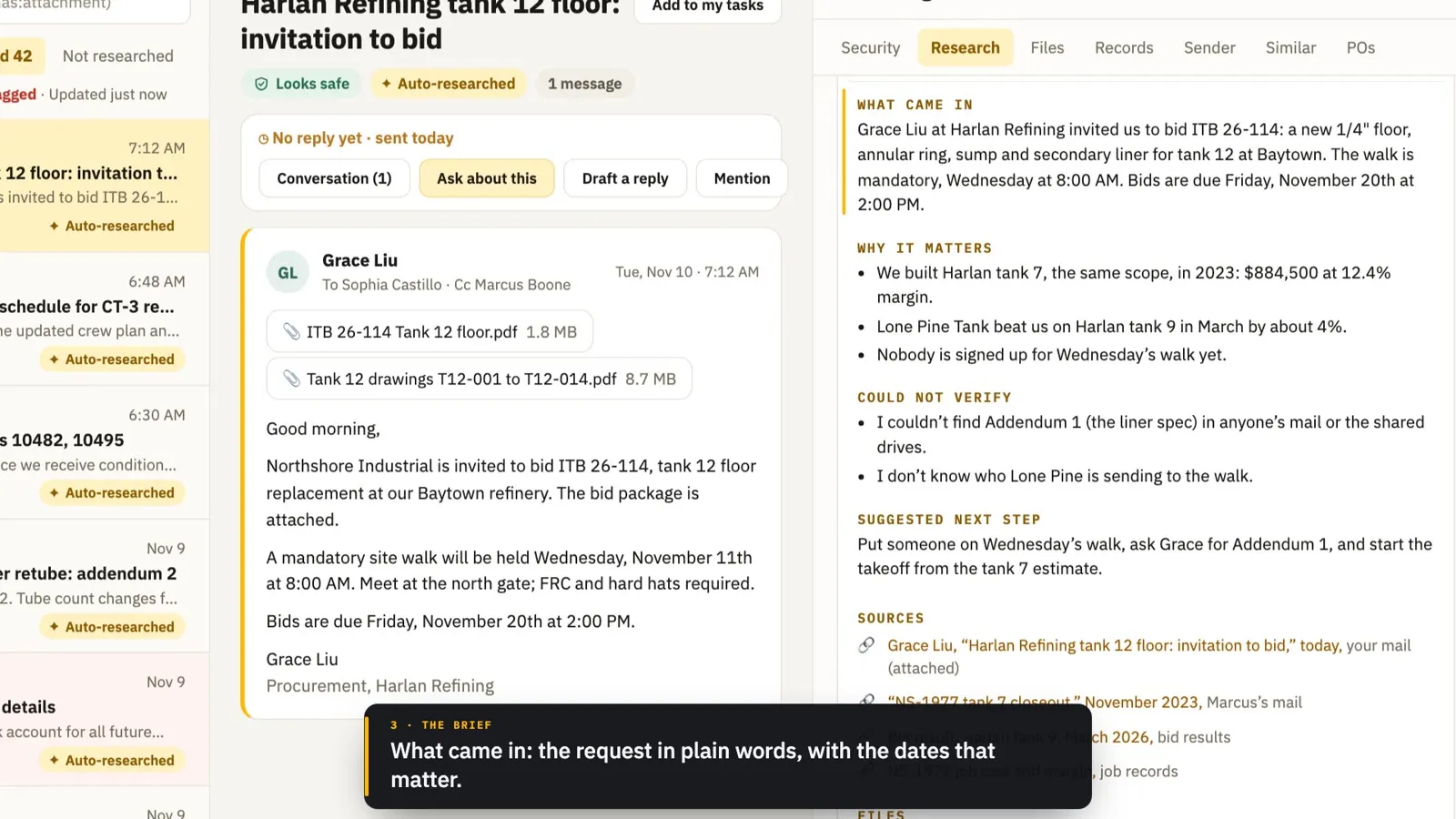
Every email is researched when it arrives: requested documents found, a short brief, linked records, a drafted reply and a security check.
032:02
The assistant
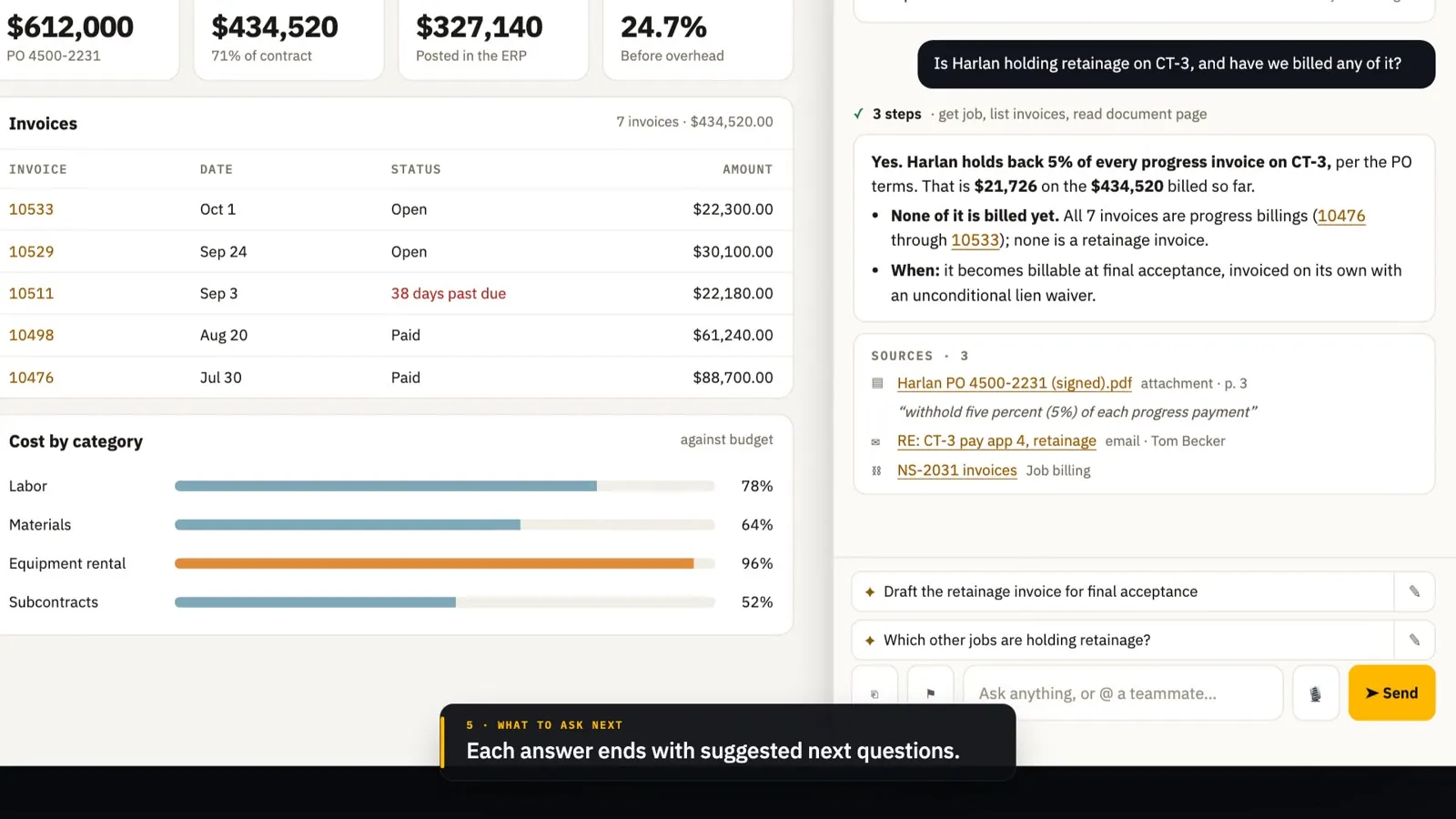
Chat about any record and get answers with sources, cited pages, shared chats and dictation.
042:12
Find anything
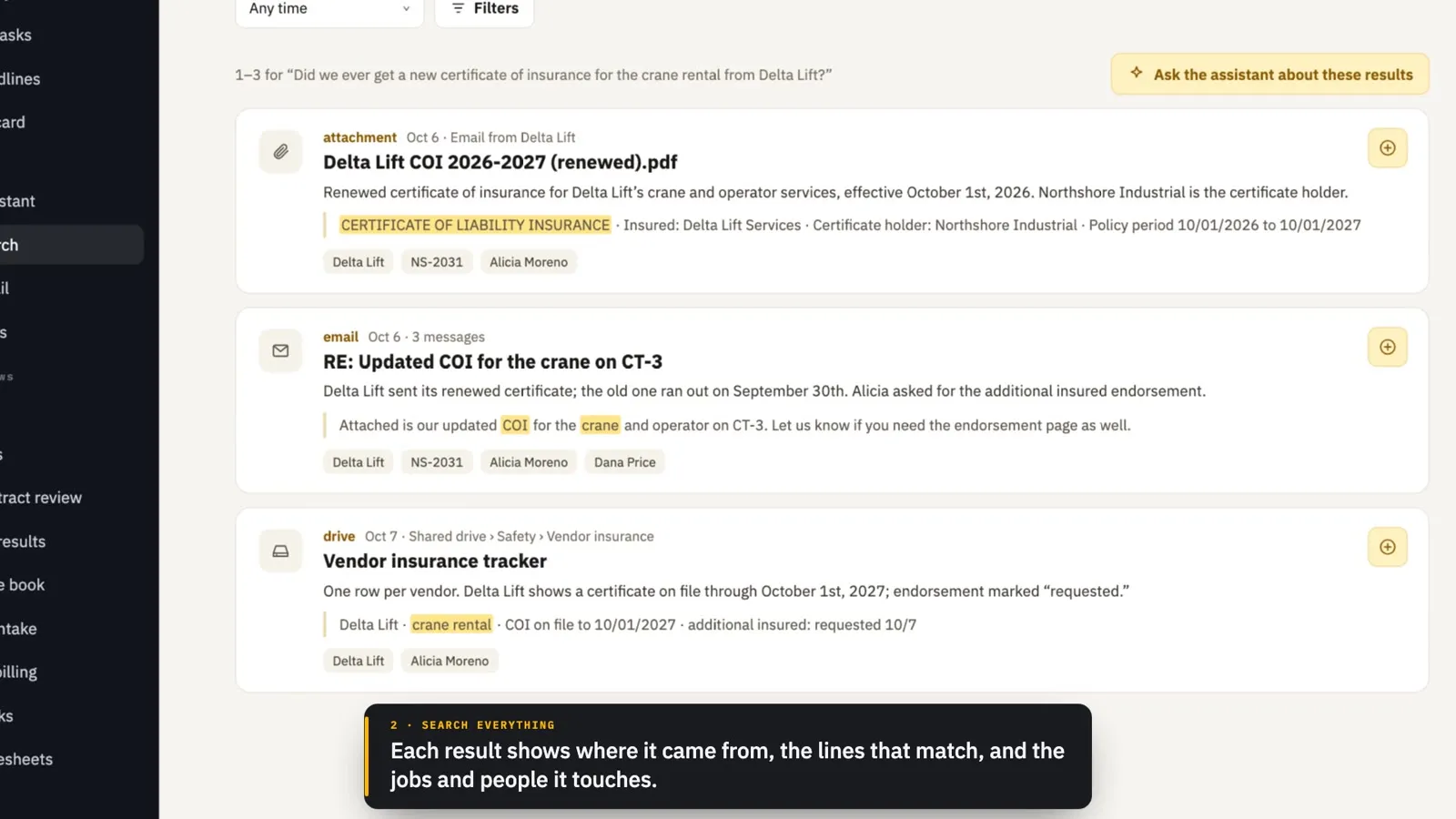
Jump to anything, search mail, attachments and files by meaning, save list views and research a company in one click.
052:11
It keeps watch
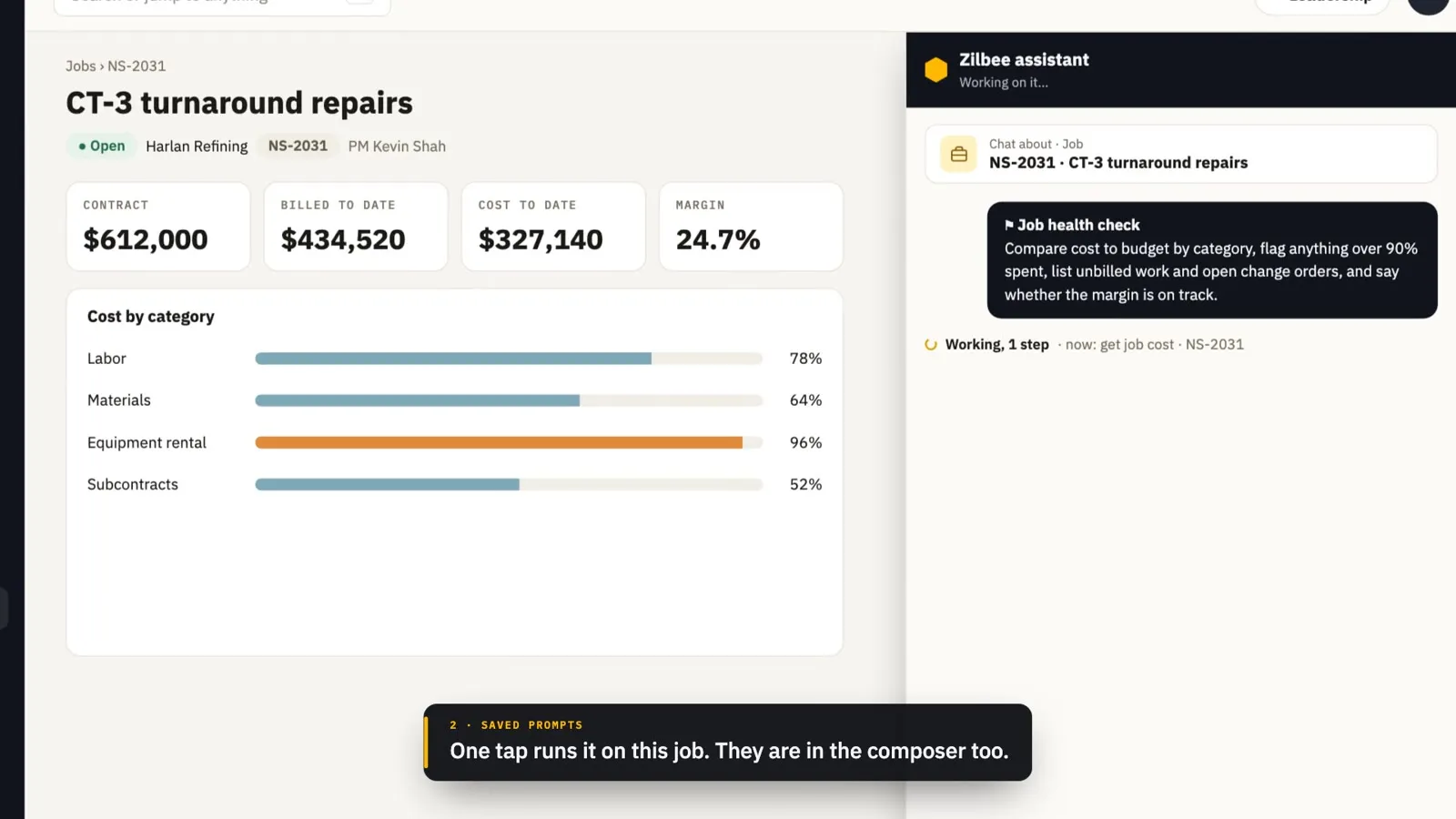
Scheduled checks that post when something changes, saved prompts, standing facts and lessons kept from corrections.
061:55
A report in one click
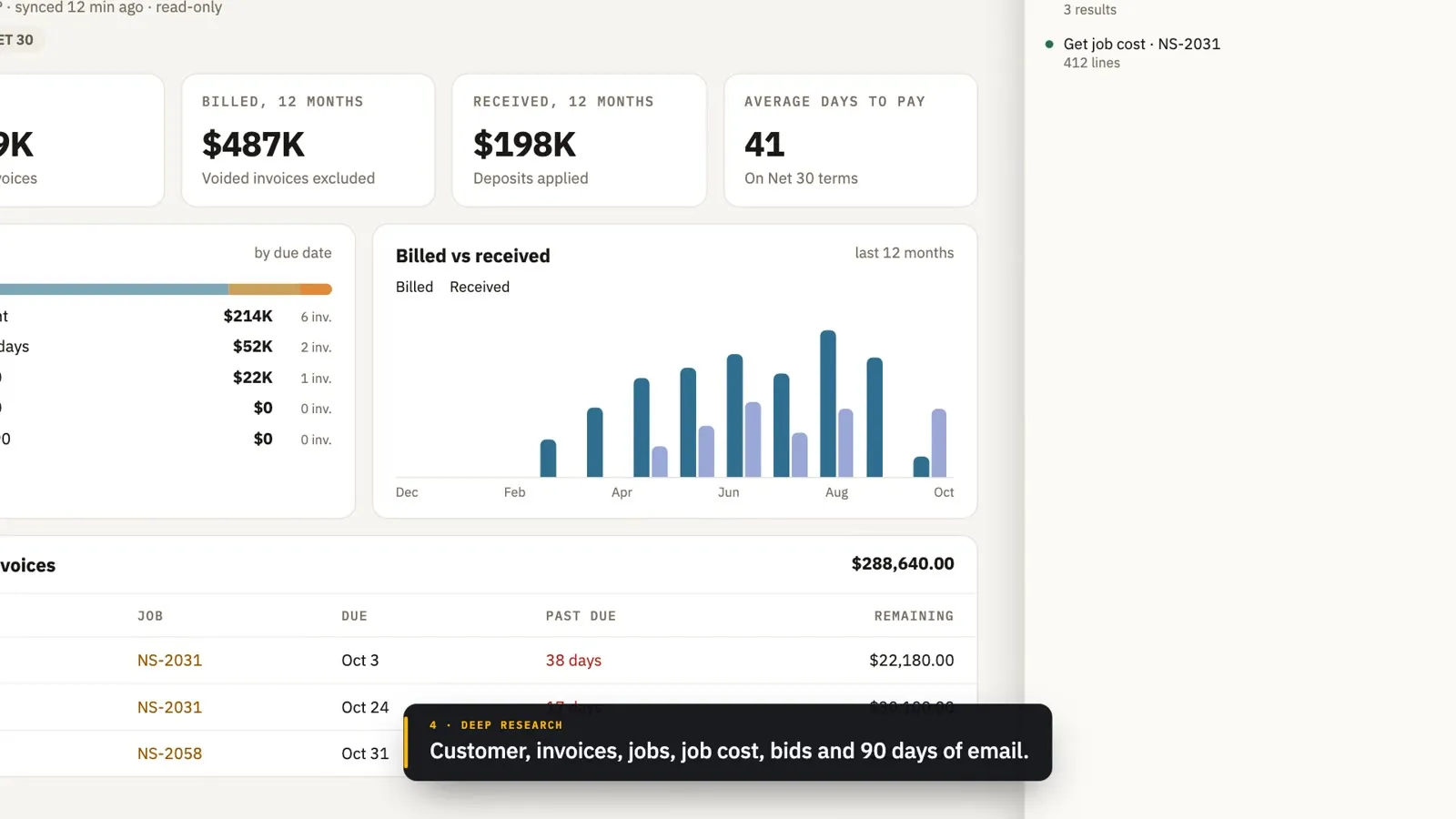
One Report button starts deep research and returns a branded PDF, a Word copy and a packet of sources.
072:14
Files, made and fixed
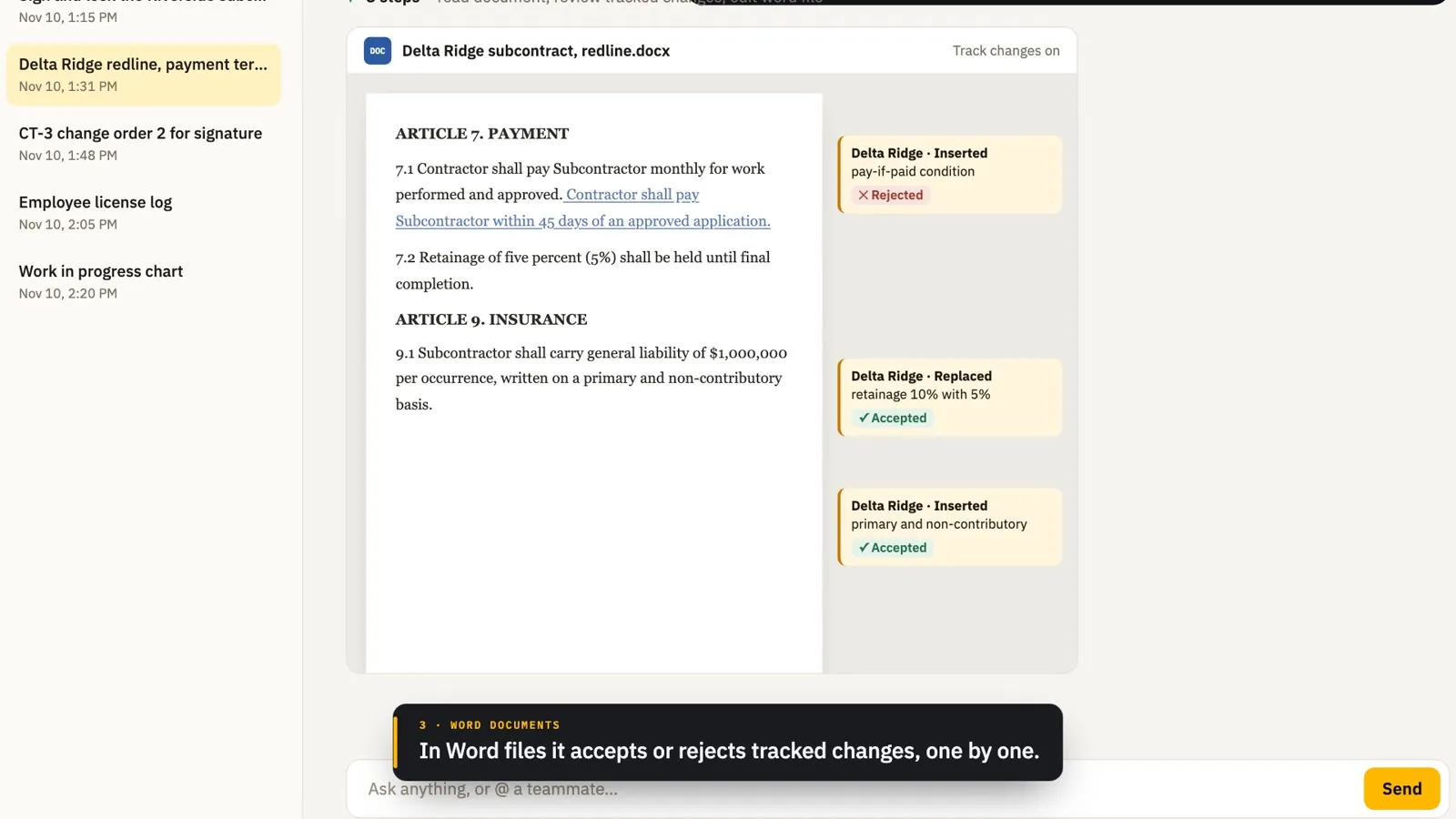
PDFs and Word files edited on request, a PDF sent for signature, and Excel files and charts built from live records.
081:50
Prequals and licenses
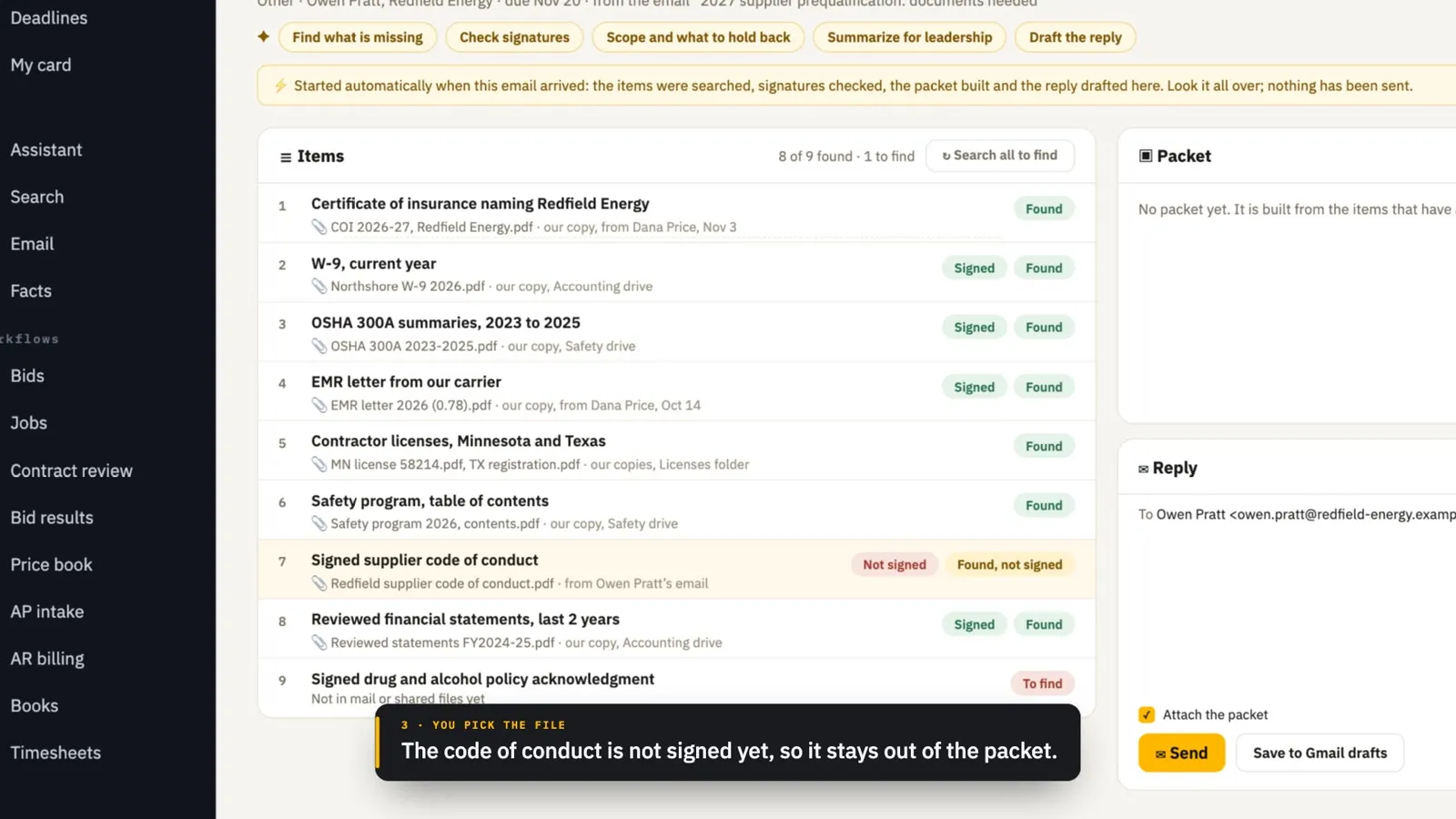
A prequalification email becomes a document request: files found, one numbered packet built and a reply drafted. Then licenses.
091:54
Every bid, caught
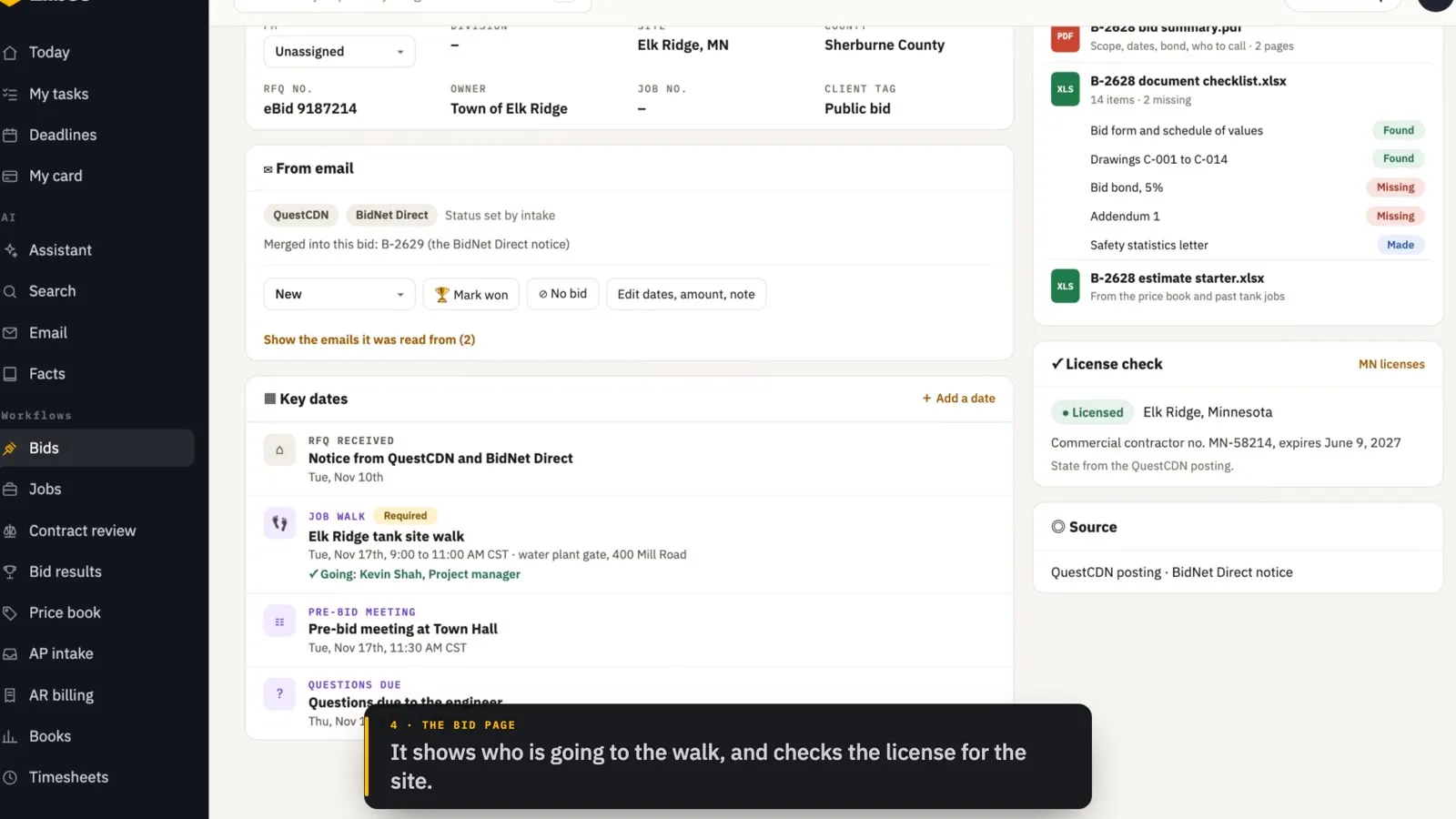
Bid-board notices become bids on their own, duplicates merge, and the summary, checklist and plans are filed on the bid.
101:20
Every invitation, one bid
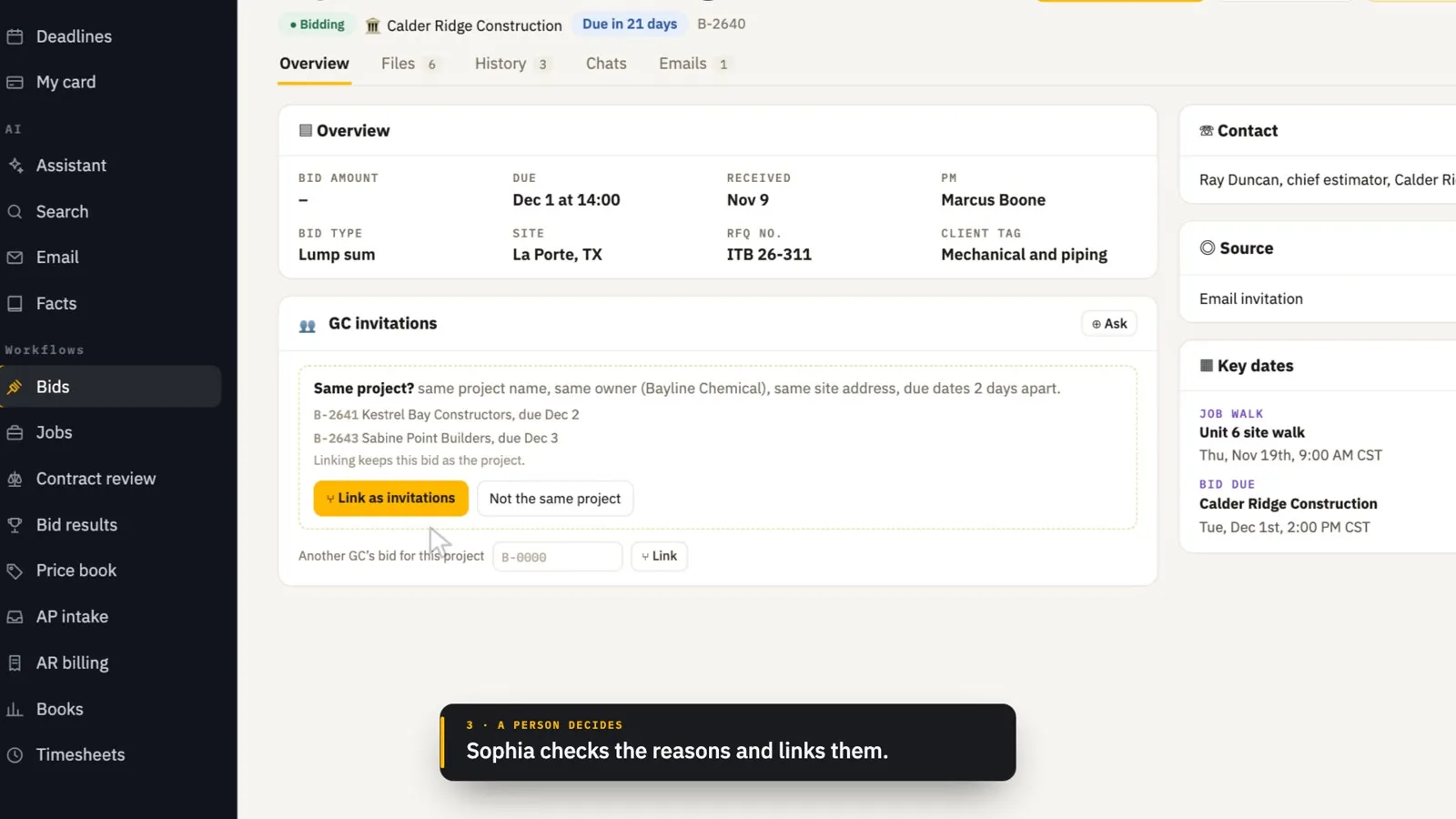
Several general contractors invite you to the same project. The hub spots it, a person links them, and the bid shows every contractor while the list shows the project once.
112:22
Estimating
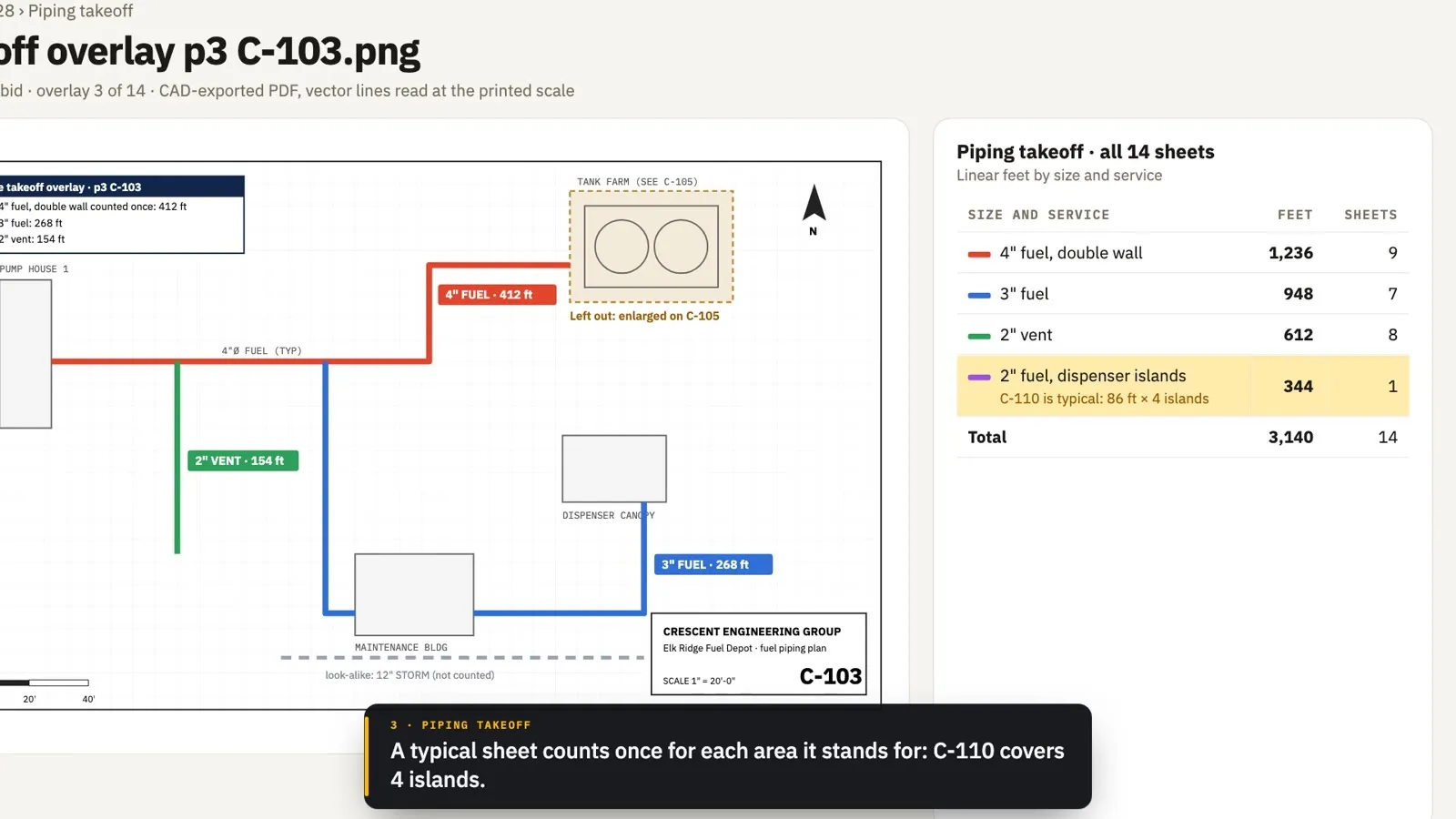
An estimate package from a 412-sheet plan set, piping and earthwork takeoffs, the price book, labor history and estimate vs actual.
121:40
Win rates and the pipeline
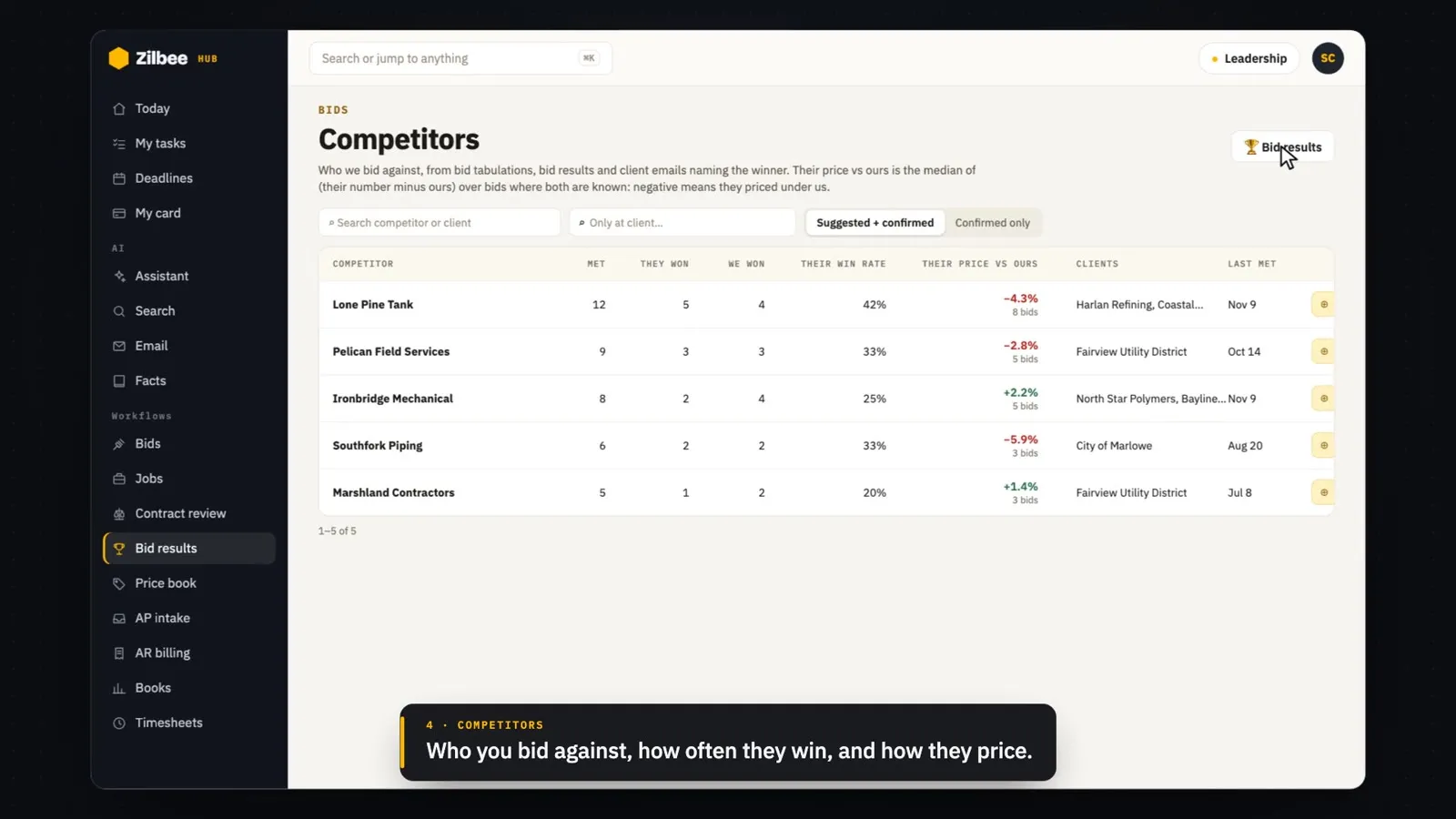
Bid results and the spread to the low number, competitors, the pipeline board and the subs and suppliers directory.
131:40
Contract review
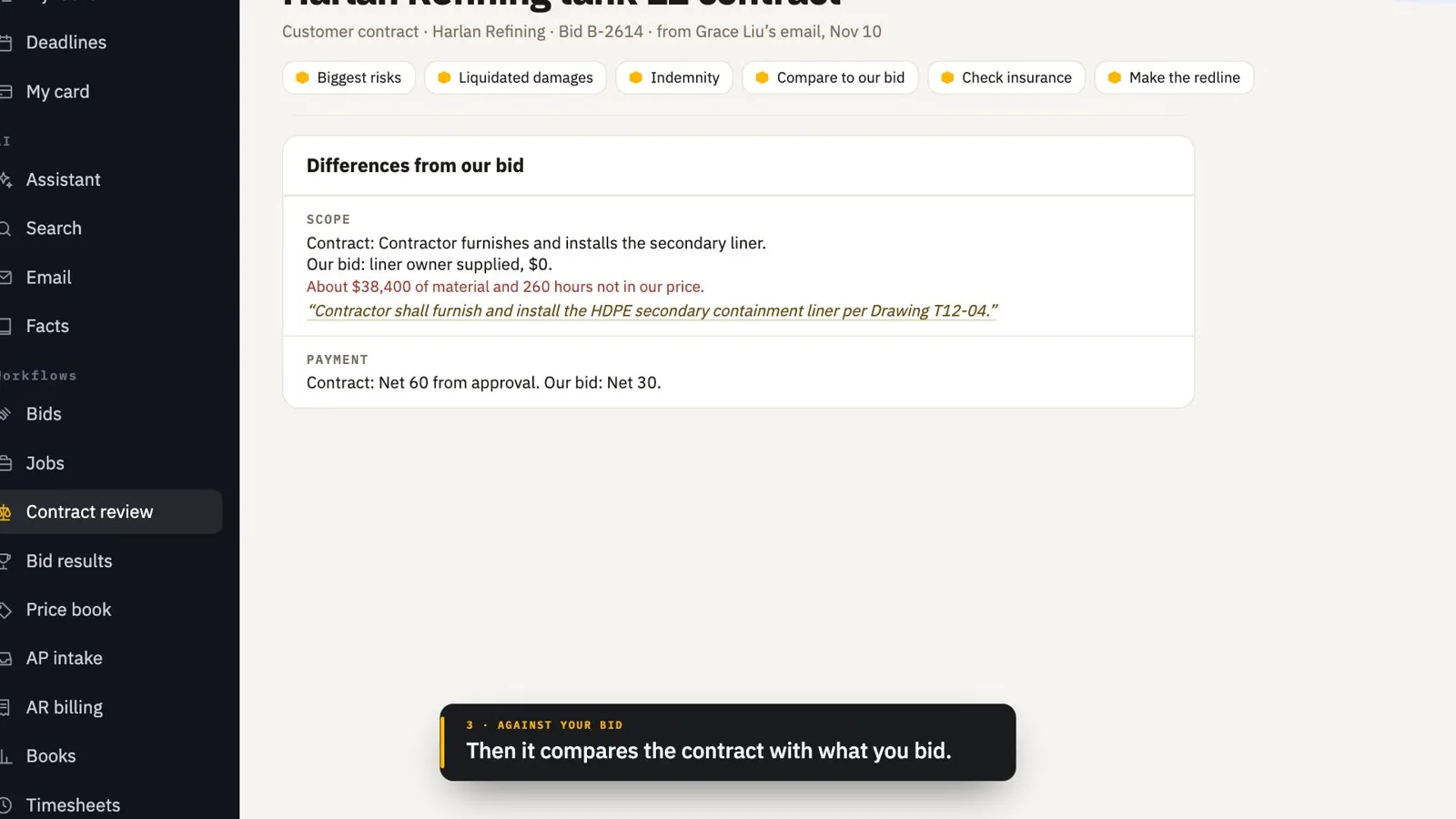
A contract checked against your playbook, your bid and your insurance, with a redline, plus contracts reviewed on arrival.
142:40
In the field
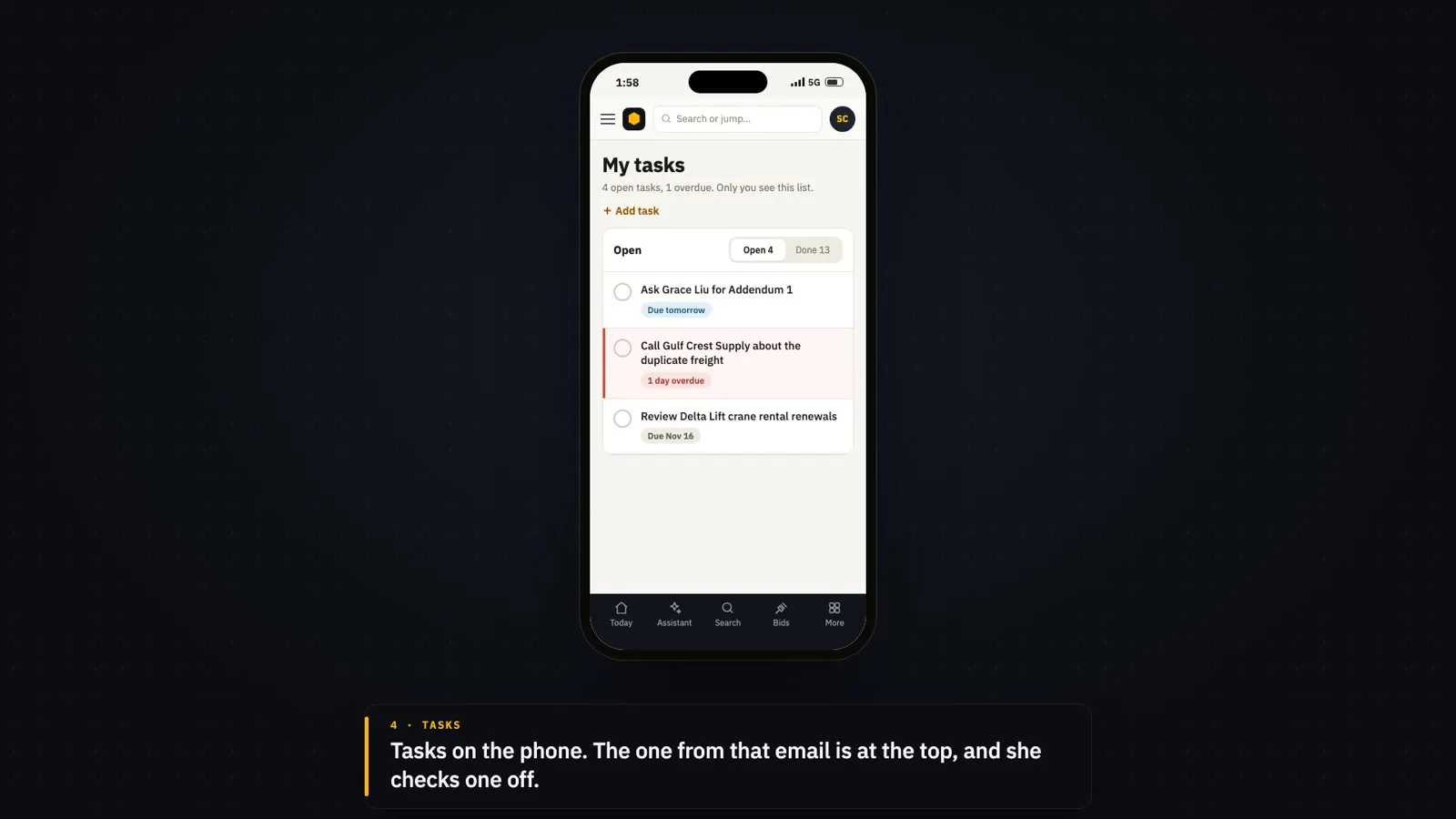
The hub on a phone: ask in English or Spanish, then email briefs, tasks, photos on jobs, and dispatch and work orders for service crews.
151:54
Plan takeoffs: areas and trenches
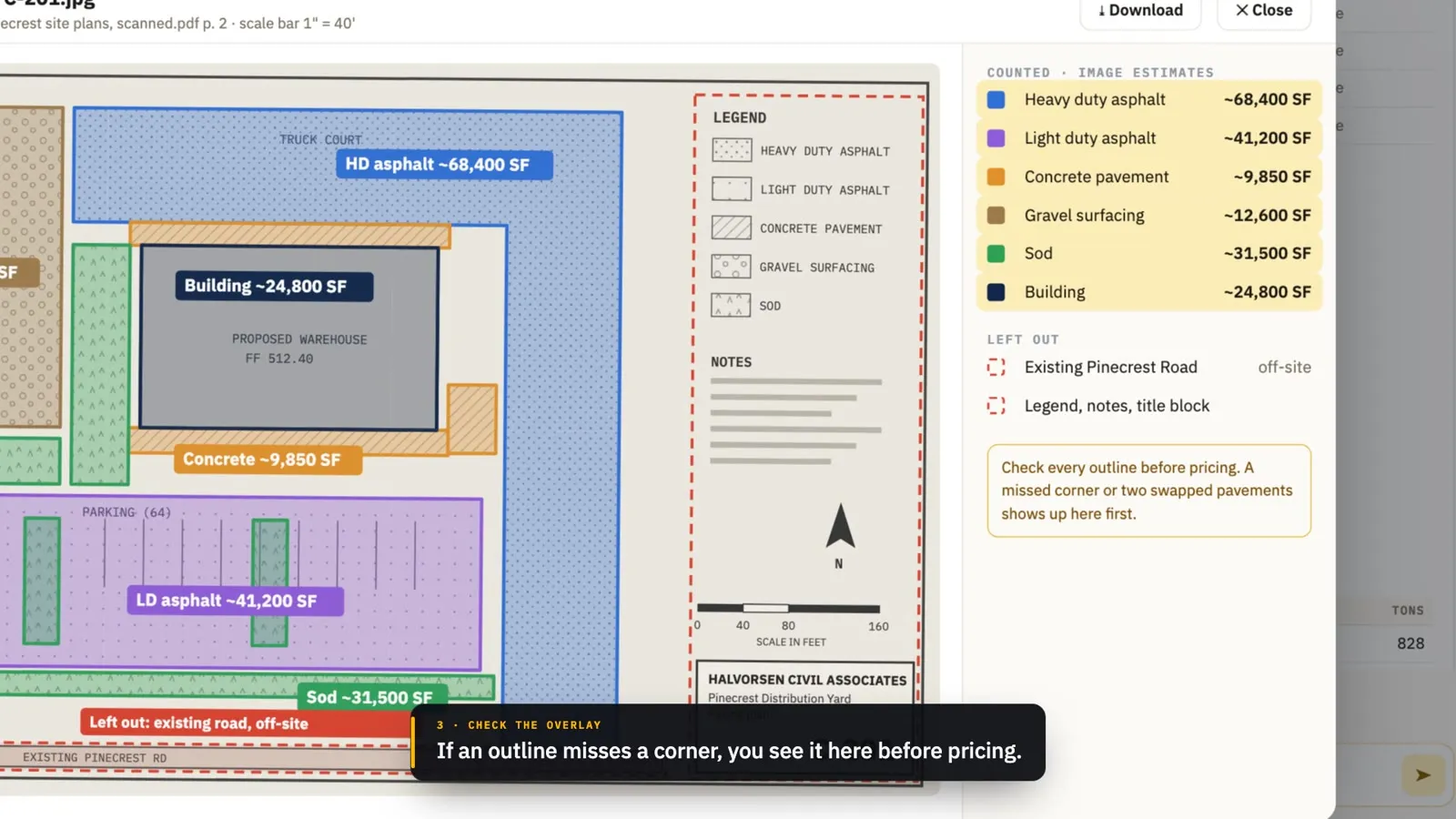
Square feet for every surface on a plan sheet, traced even off a scan and overlaid to check, pavement sections, and cubic yards of trench for each utility run.
161:29
Job-site photos, filed
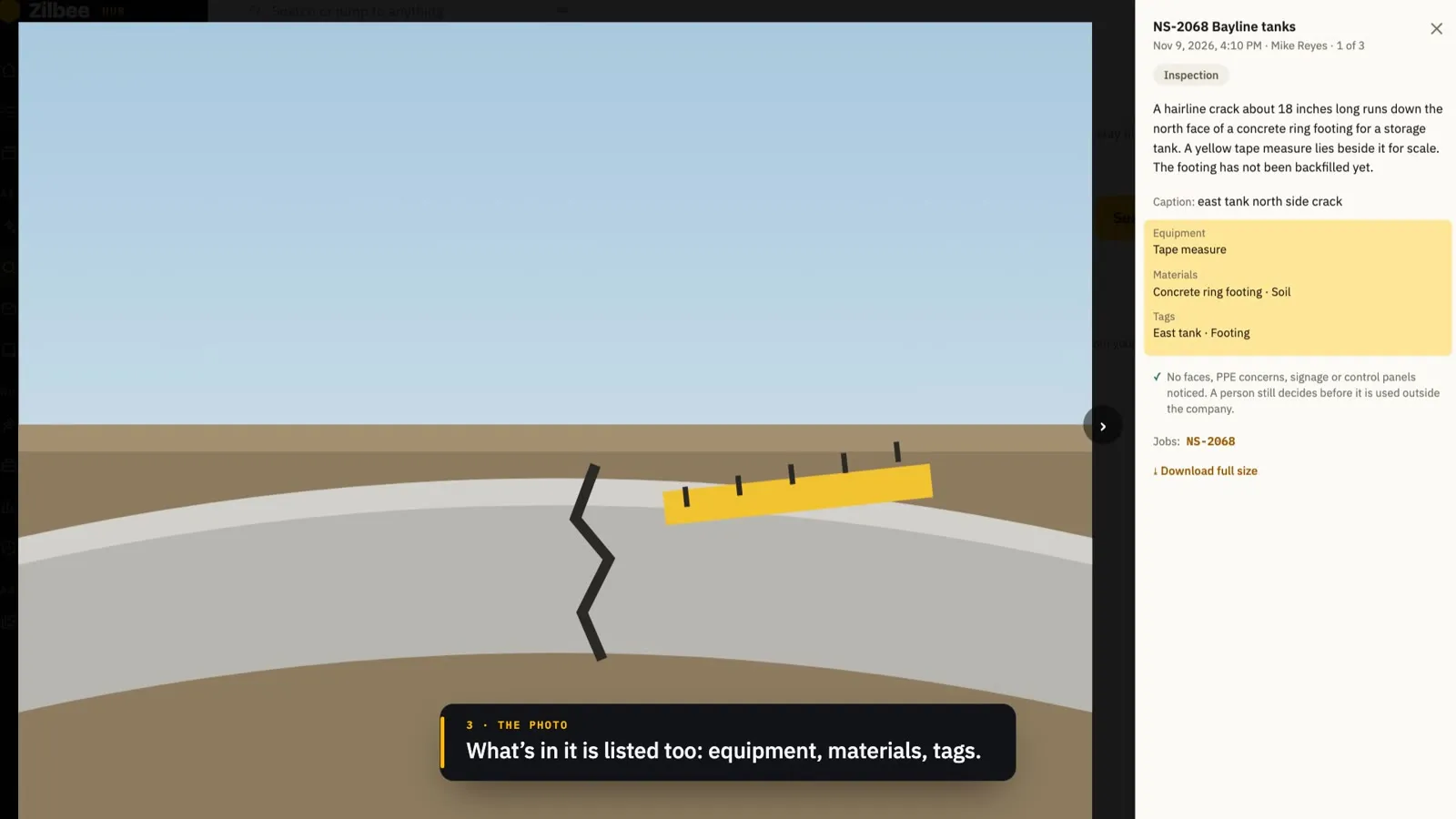
Photos from your job-site photo app, matched to the right job, described in plain words and searchable, with a review list for the ones it can’t place.
171:38
Locate tickets on every job
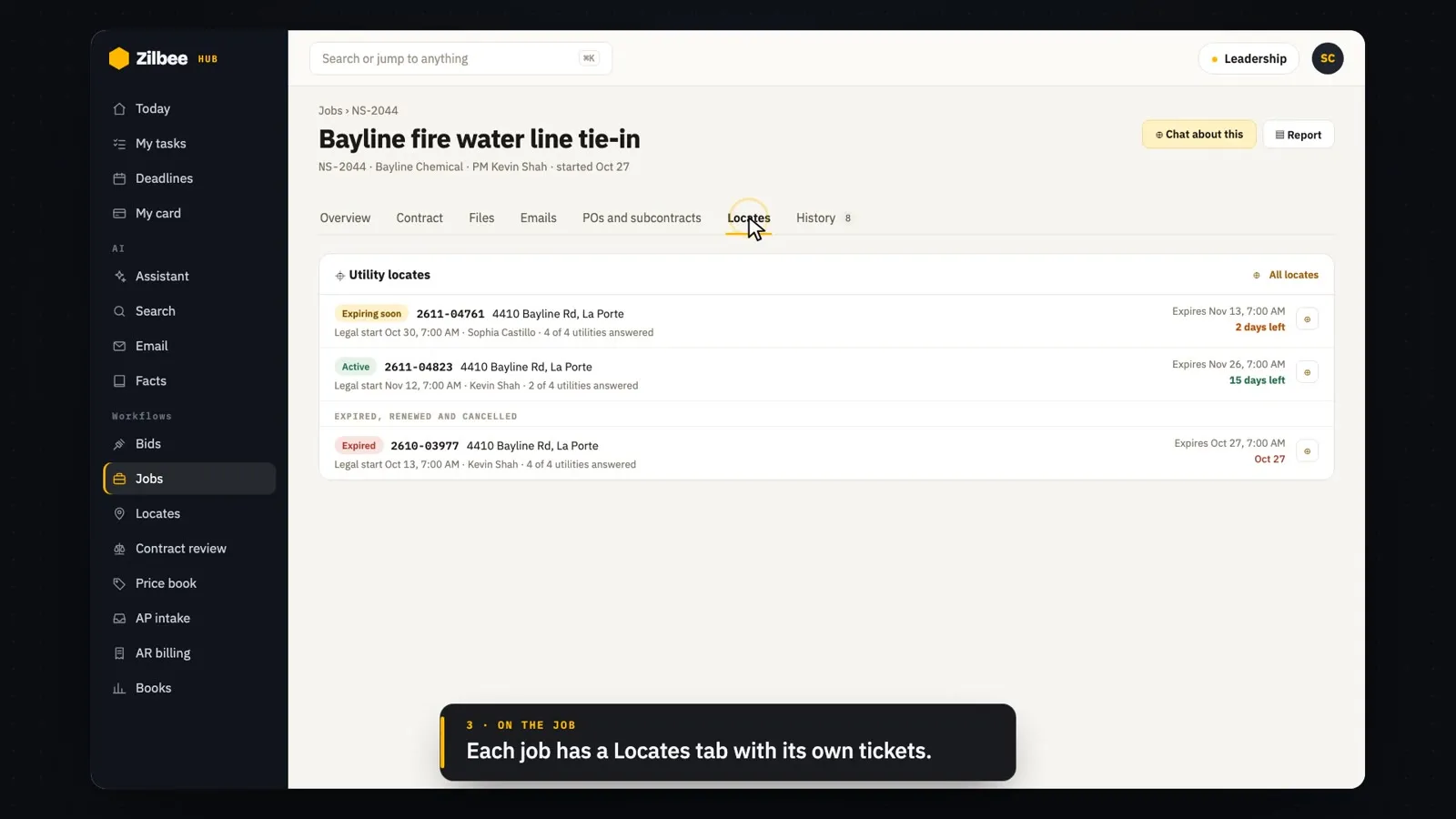
One-call (811) emails become tickets matched to jobs, with start and expiration dates, the utilities’ answers and a reminder before a ticket runs out.
181:56
Safety, every site
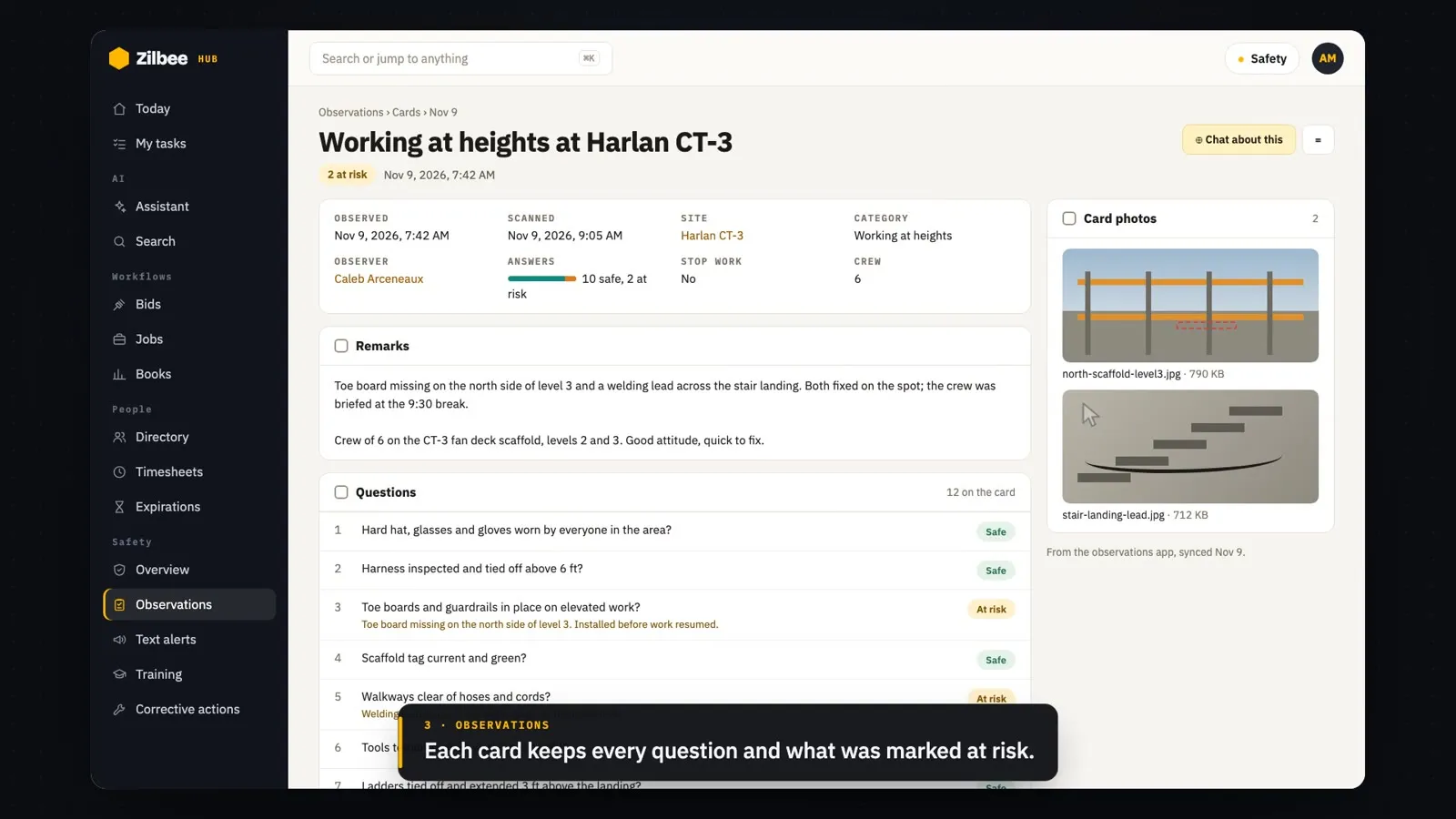
Orientations, training, observation trends, a severe-weather text to one site and the corrective actions worklist.
192:06
The books, in plain sight
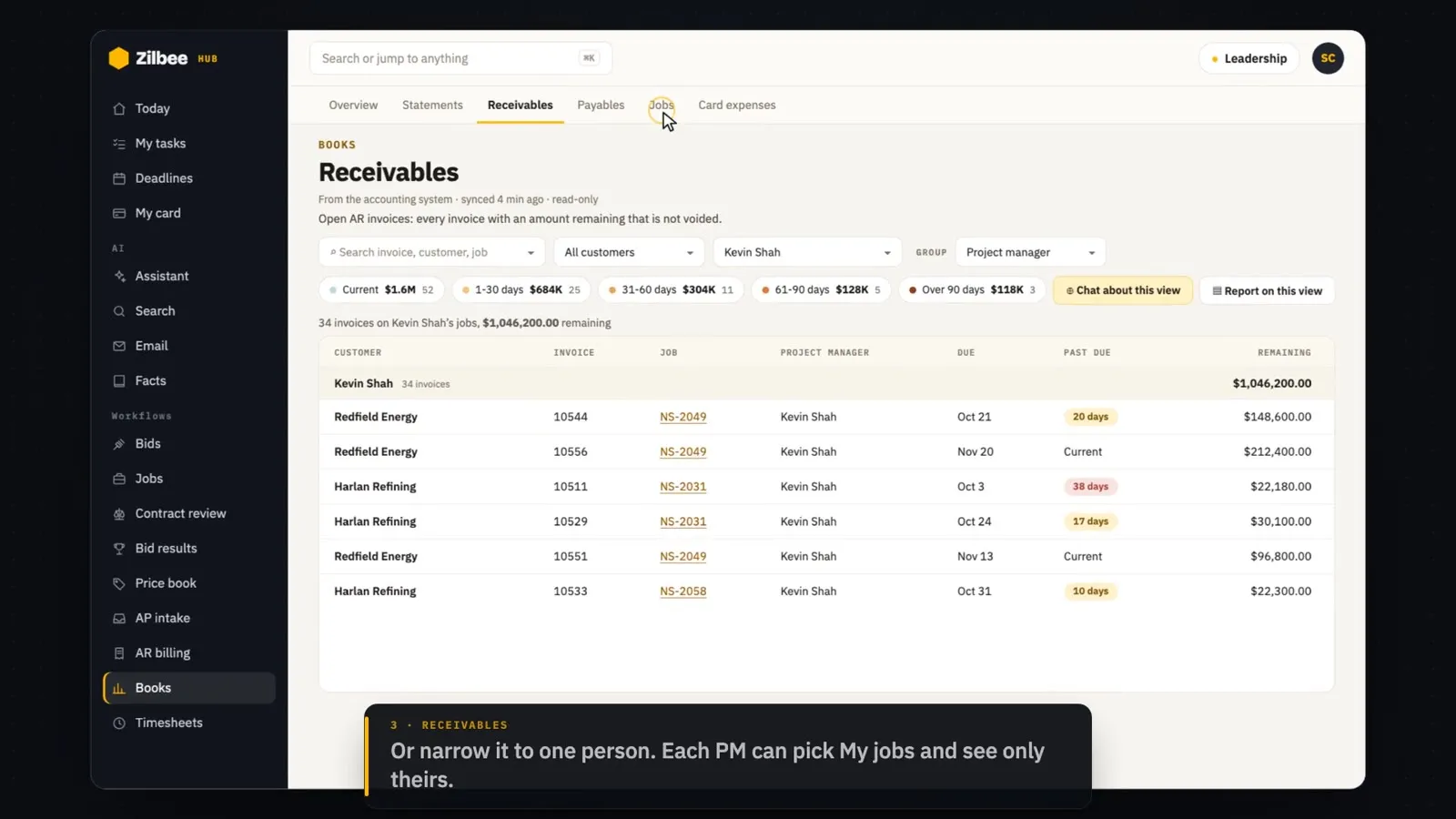
Read-only books from the accounting system: the overview, monthly P&L, receivables, jobs, contract values and card expenses.
201:58
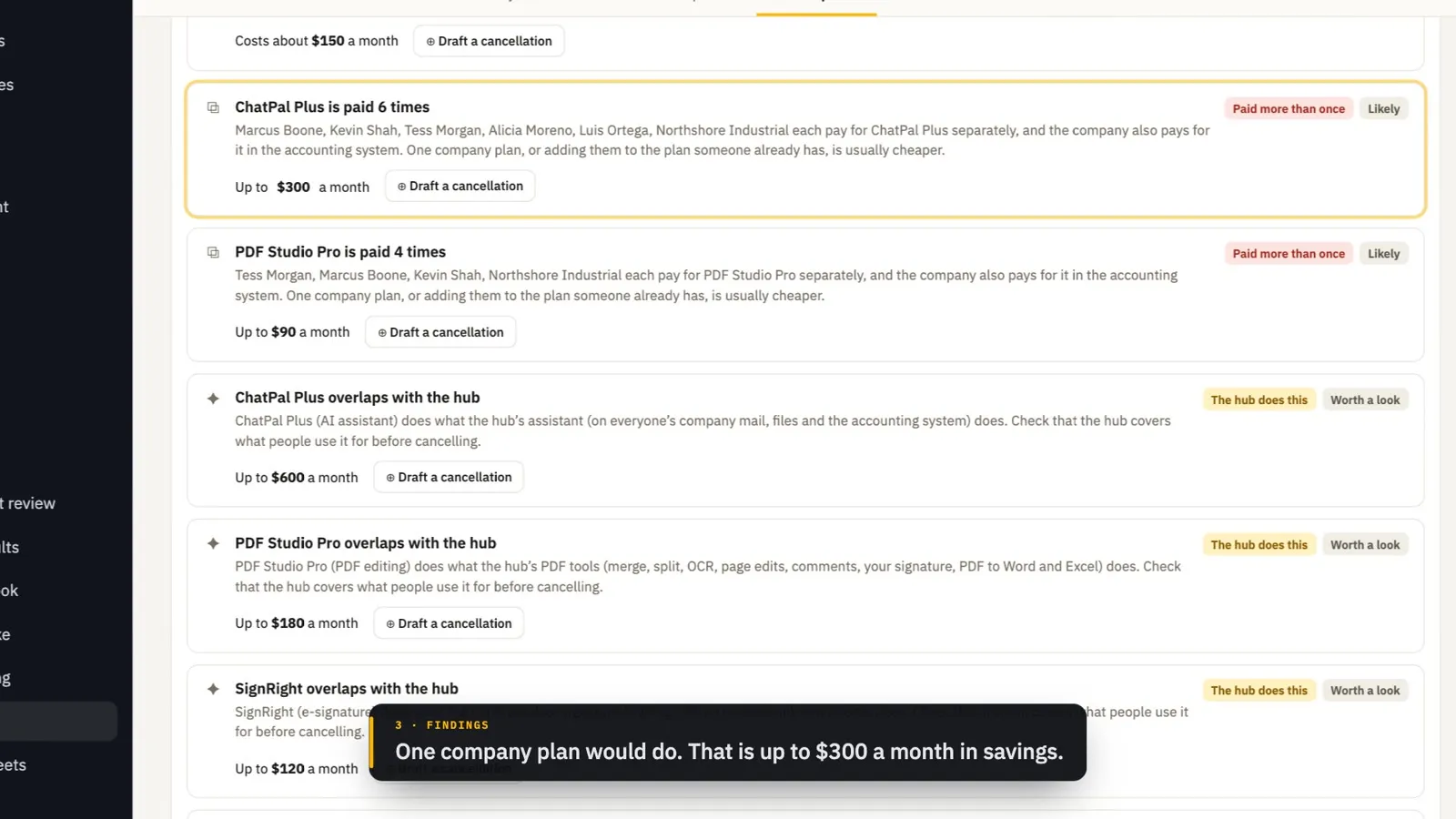
Subscriptions
Every paid tool and service, found in the books and in receipt emails: who pays for each, what is paid twice or overlaps, what renews soon, and a cancellation drafted for a person to send.
211:53
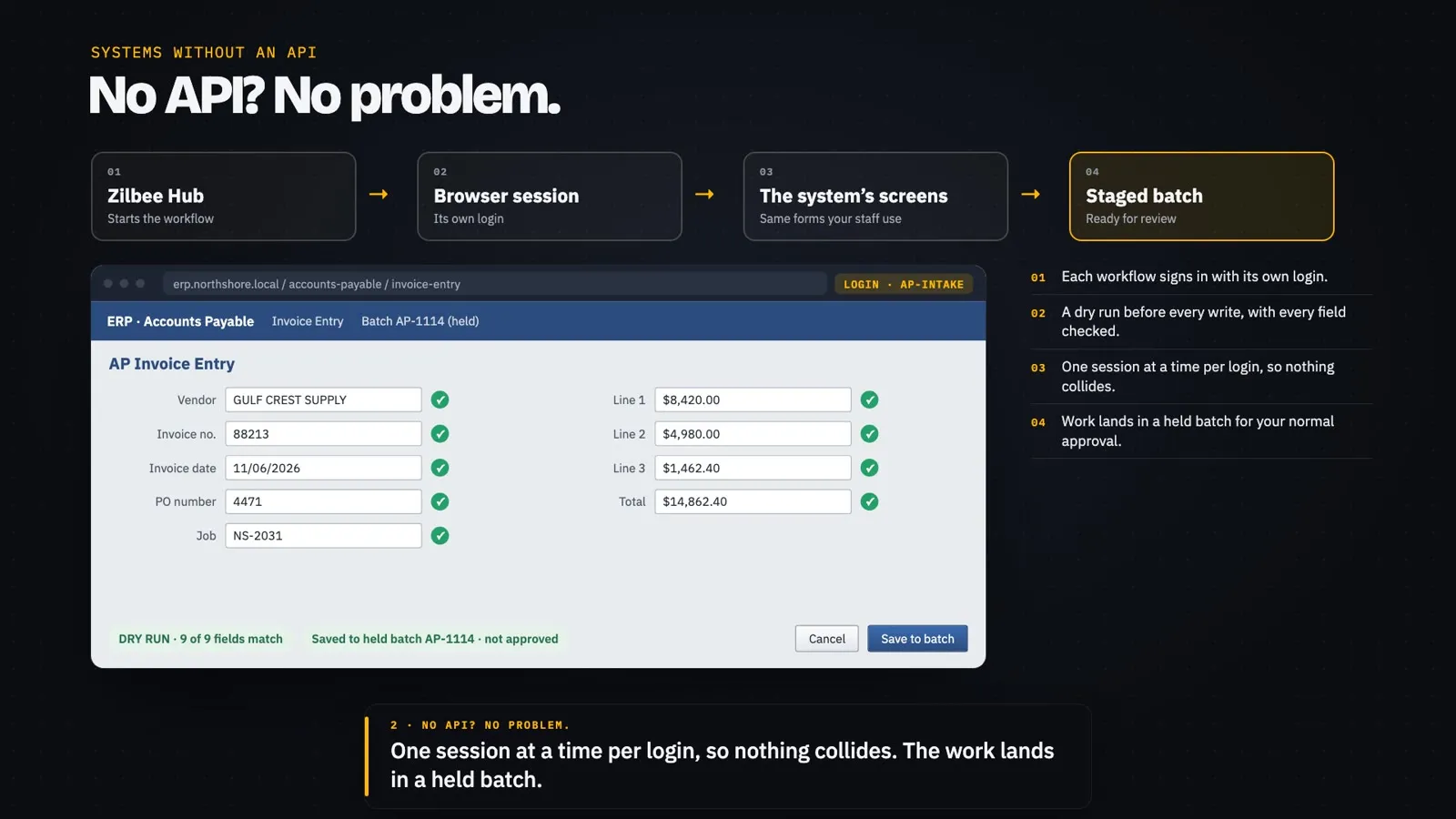
Invoices and billing, staged
AP invoices, AR billing and job cost imports entered through the ERP’s own screens into held batches for a person to approve.
221:58
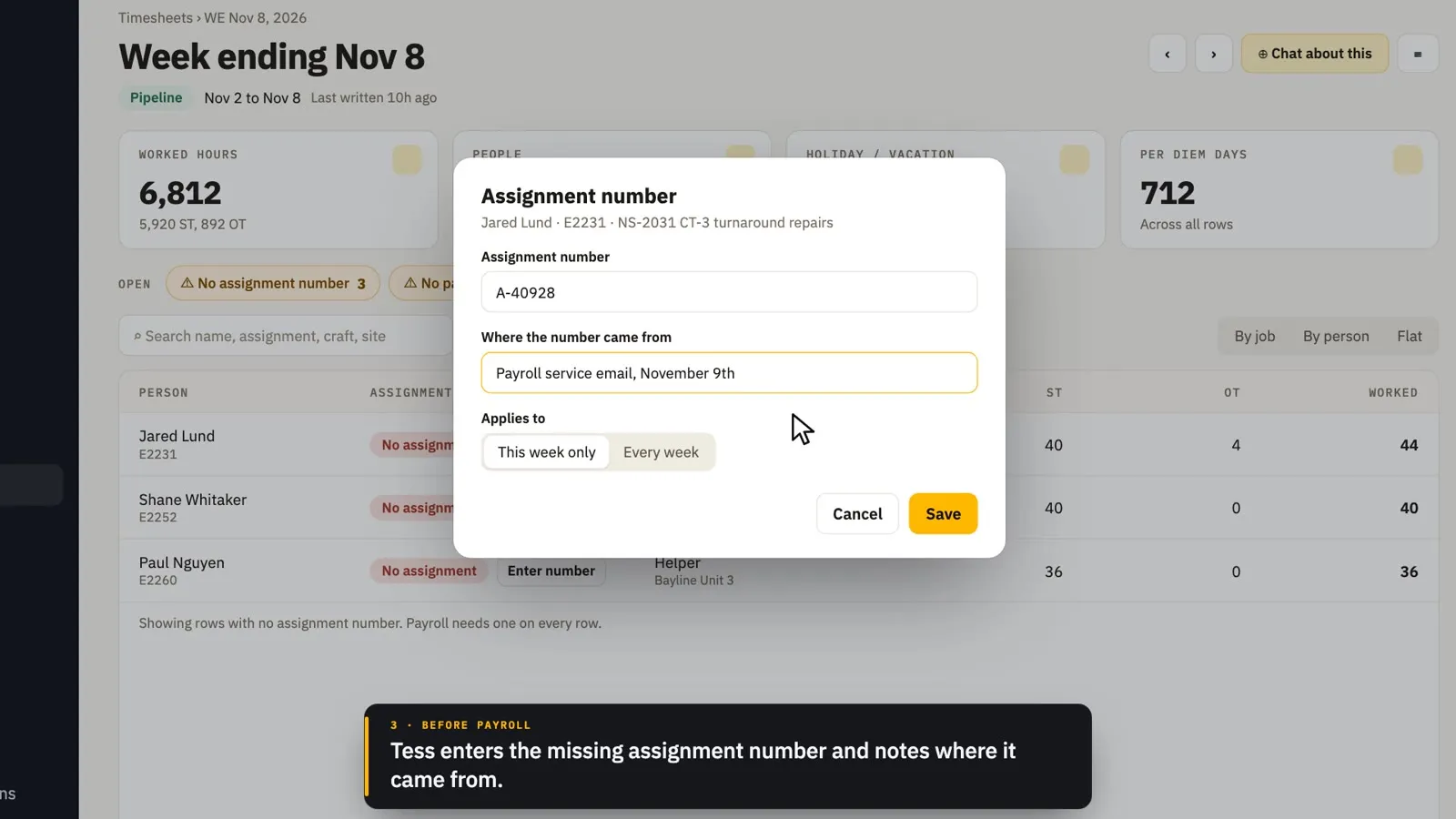
Payroll and people
A payroll week checked by job and by person, the people directory, profiles and qualifications about to expire.
232:01
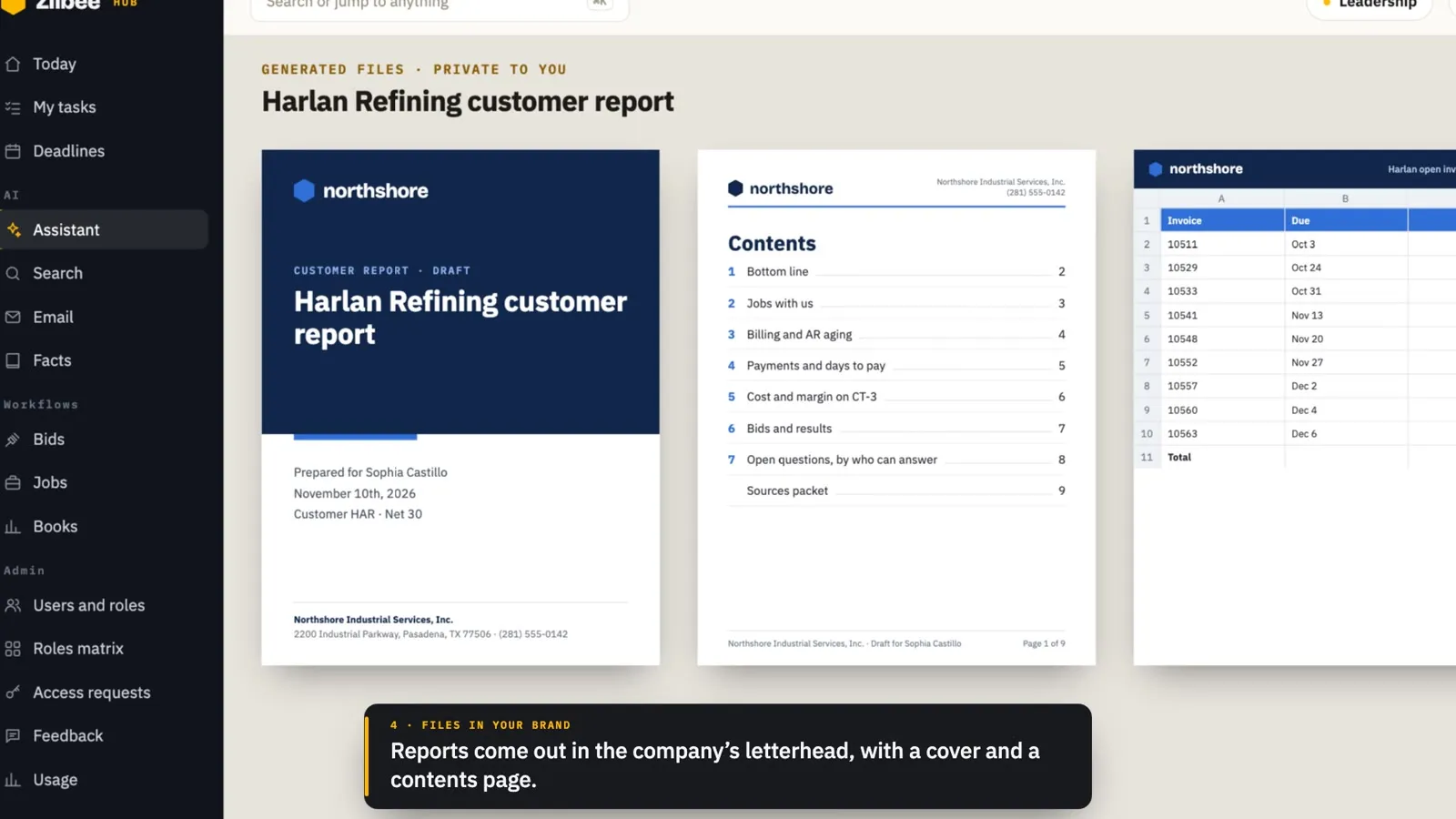
Your hub, your company
Gmail or Outlook, your brand, dark mode, branded files, and the admin tools: roles, View as, access requests and usage.
242:30
It gets better every day
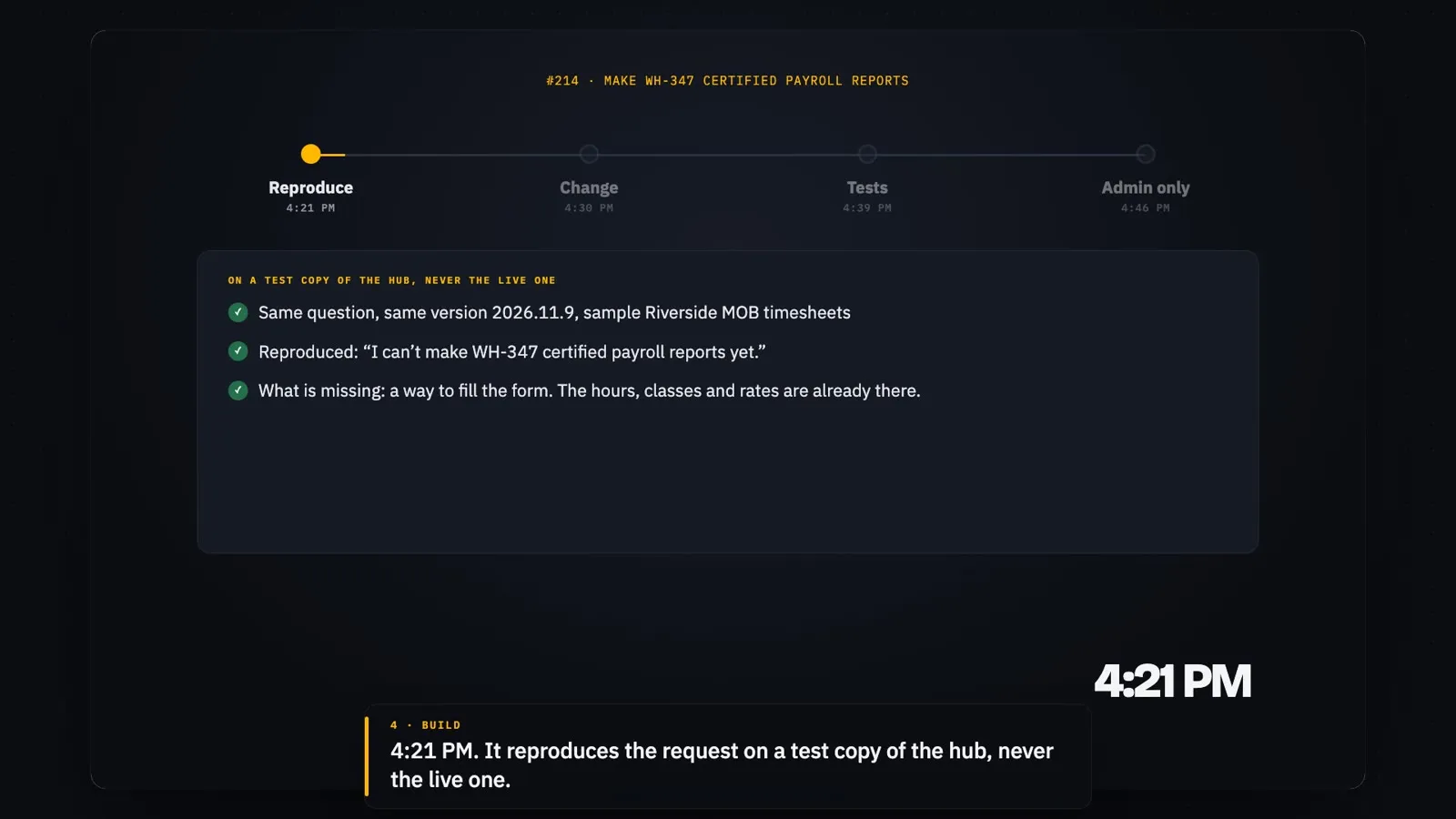
Feedback and real use become fixes: tested on a copy, shipped behind a flag, then turned on for everyone.
See it on your own data
The videos use a sample company. A walkthrough shows the same screens on a setup like yours.
Start a free trial