04 /Google + Microsoft
Works with the email you already use
Zilbee Hub runs in daily use on both Google Workspace and Microsoft 365. Every feature works the same on either.
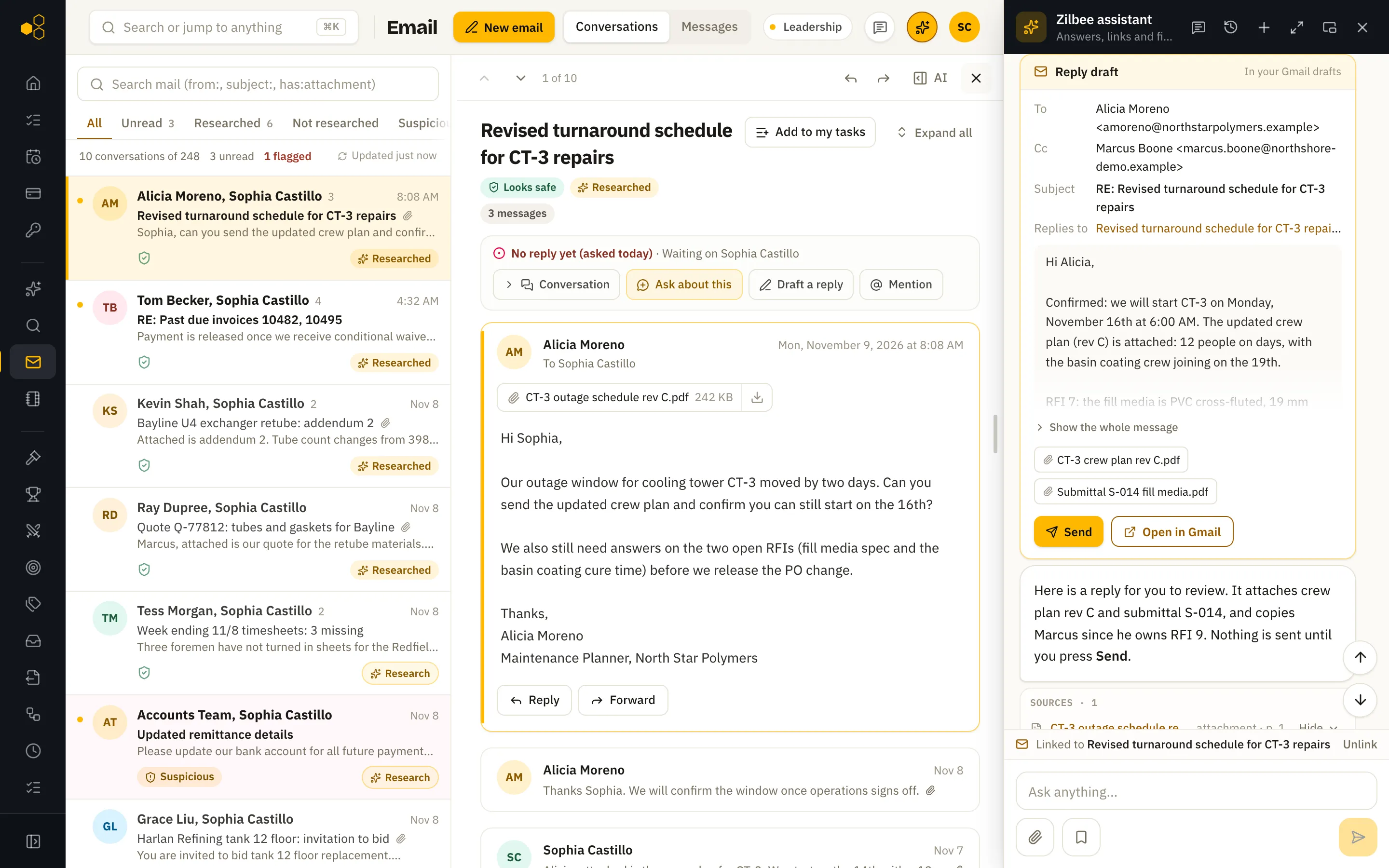
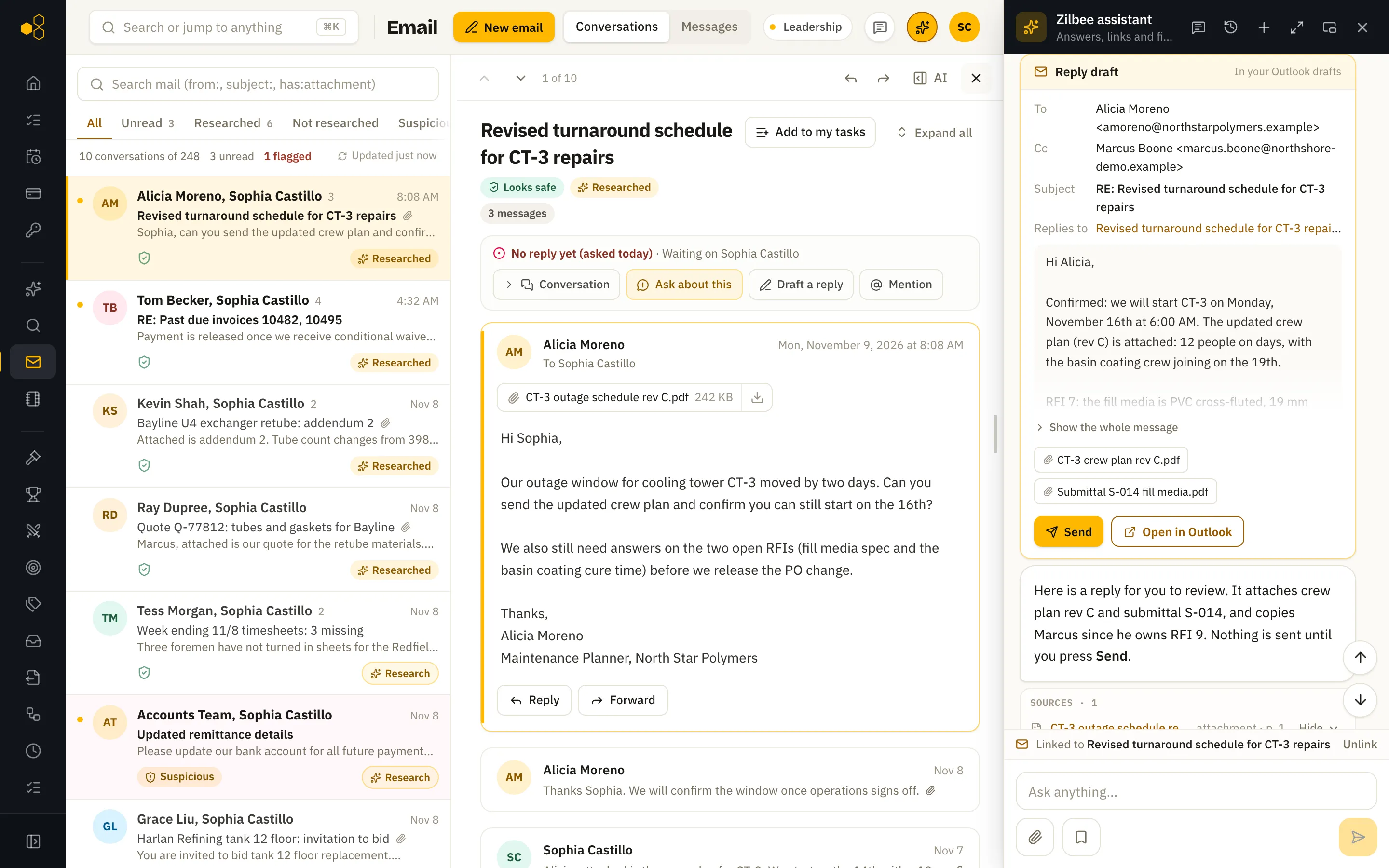
Same draft, two builds
Drafts land in Gmail or Outlook
The same reply draft on each build. Only the mailbox it lands in changes, and it sends in one click from either.
01 /Side by side
What changes, and what doesn’t
| Item | Google Workspace | Microsoft 365 |
|---|---|---|
| Gmail | Outlook / Exchange Online | |
| Files | Google Drive and shared drives | OneDrive and SharePoint |
| Spreadsheets | Google Sheets | Excel files in OneDrive or SharePoint |
| Sign-in | Google account | Microsoft account (Entra ID) |
| Admin approval | Workspace admin grants read access | Microsoft 365 admin grants app consent |
| Drafts and sends | Gmail drafts in the person’s own mailbox | Outlook drafts in the person’s own mailbox |
02 /Everything else
And the rest of your systems
Email and files are only the start. We also connect accounting and ERP systems, SQL databases such as Microsoft SQL Server, Airtable-style bases, spreadsheets, payroll exports and field apps. If it holds your data, we connect it: through an API, a database or, when there is neither, the system’s own screens.
Systems without an API
No API? No problem.
When a system only has screens, Zilbee Hub uses the screens: a controlled browser session that logs in with its own user, fills the same forms your staff do and checks every field. Safe, repeatable and fully auditable.
In accounts payable, that means vendor invoices entered into the ERP exactly as a clerk would enter them, every line checked against the PO.
01
Zilbee Hub
Starts the workflow
02
Browser session
Its own login
03
The system’s screens
Same forms your staff use
04
Staged batch
Ready for review
- 01Each workflow signs in with its own login.
- 02One session at a time per login, so nothing collides.
- 03A dry run before every write, with every field checked.
- 04Work lands in a held batch for your normal approval.
- 05Screenshots and a log of every run.
See it run on real work
A live walkthrough takes 30 minutes. We show the assistant, the modules and the setup plan for your company.
Start a free trial